01
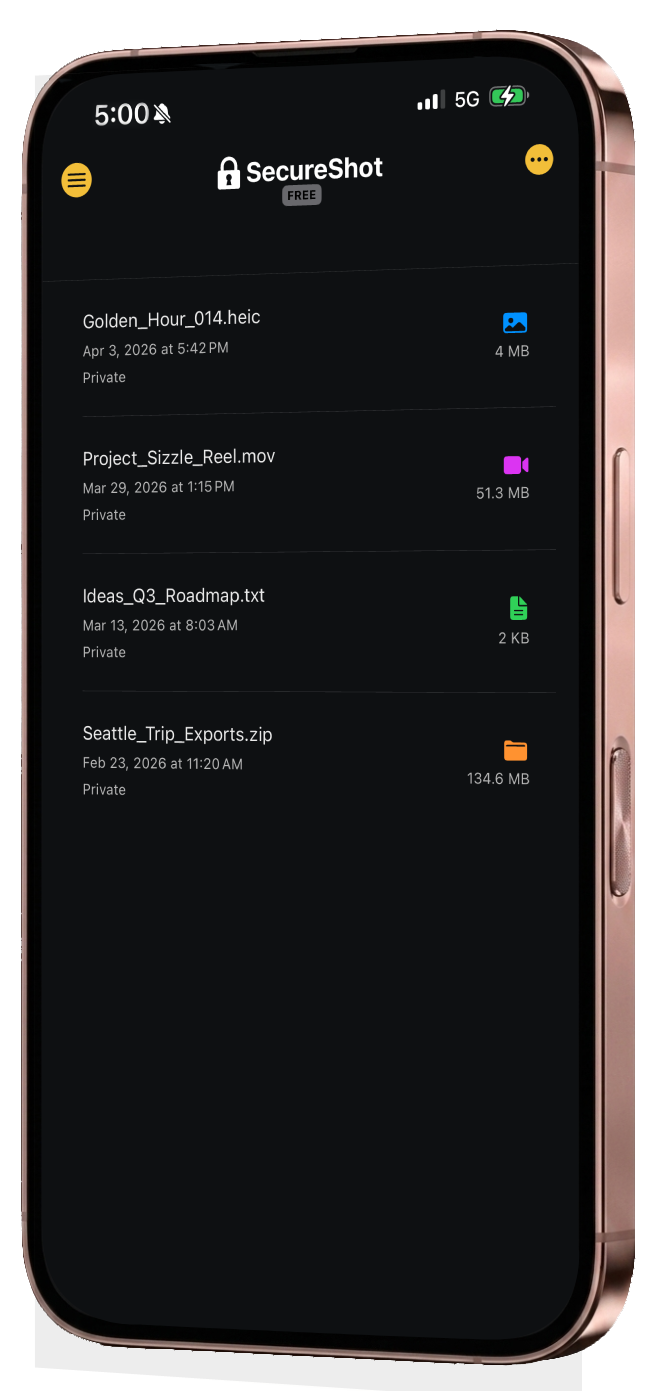
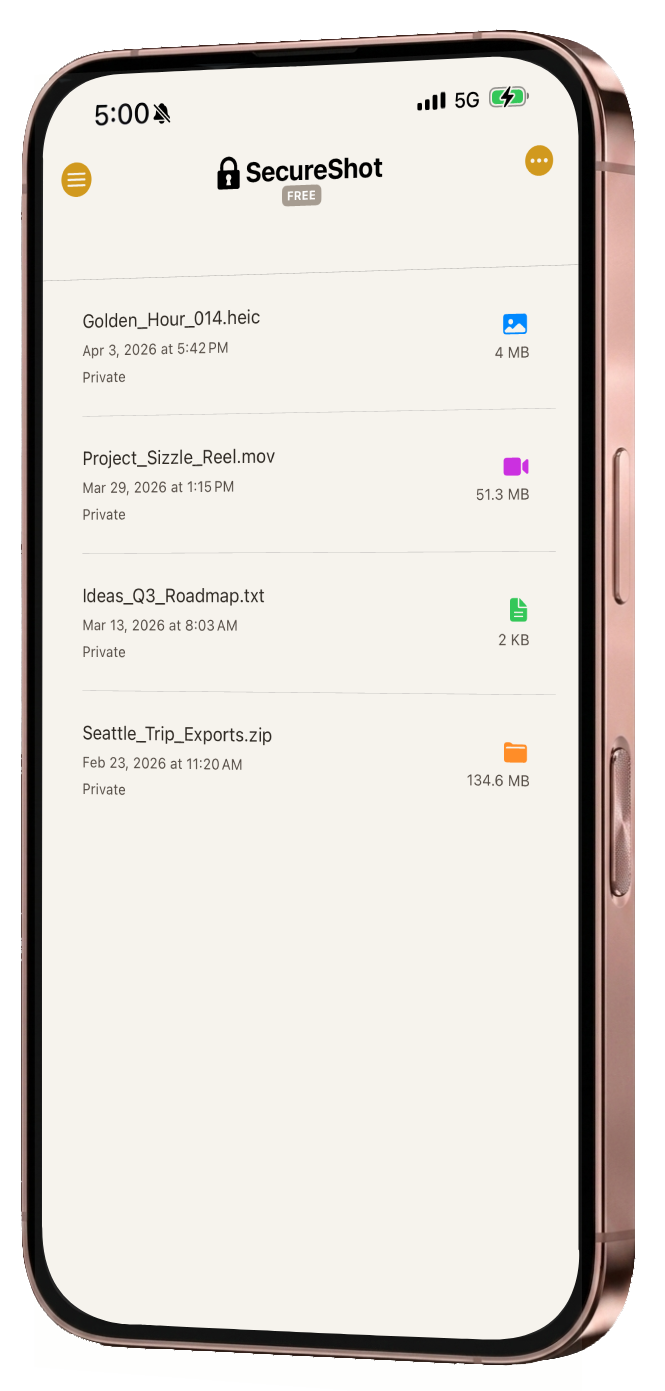
Import directly
01
Import directly
Bring photos and videos into SecureShot and encrypt them on device instead of saving sensitive media to your gallery first.
Not a vault — security in every file
SecureShot turns photos and videos into portable .sshot files — encrypted on your device before upload, protected per file, and designed so the cloud holds ciphertext and sync-safe listing data, not plaintext media or decryption secrets.
Security that moves with you
Encrypt on device first. Sharing does not send passphrases through chat. Sync moves ciphertext—not plaintext or your keys.
.sshot is the portable object: protection travels with the file, not a locked gallery shell.
Cloud, chat, or AirDrop—the payload stays encrypted in transit.
A different security model
Most apps secure a gallery behind one unlock. SecureShot protects each file independently as its own portable .sshot, so opening one item does not expose the rest of your library.
Built for real workflows
SecureShot is designed to be usable, not theatrical — serious cryptography, clear flows, and real .sshot portability instead of fake vault behavior.
01
Bring photos and videos into SecureShot and encrypt them on device instead of saving sensitive media to your gallery first.
02
Decrypt one file at a time. Other files stay protected, so your entire library never appears just because you opened one item.
03
Encrypted .sshot files are self-contained and portable. Store them anywhere and reopen them with SecureShot when needed.
04
SecureShot Pro adds passwordless sharing flows so recipients can receive protected files without passphrase juggling.
05
Master Key in Pro removes repeated password entry, while biometrics keep access fast and intentional.
06
Choose encrypted, blurred, or visible thumbnail states so recognition stays convenient without turning your library into an exposed gallery.
Technical foundation
SecureShot uses industry-standard cryptography to protect content on device, structure each .sshot file safely, and move access between users without exposing plaintext.
XChaCha20-Poly1305 protects core encrypted payloads.
AES-GCM secures structured binary sections optimized for fast read and write.
Argon2id strengthens passphrase-based key derivation.
Curve25519 powers secure sharing and access transfer.
AAD-protected immutable components help make file tampering detectable.
Privacy stance
The operator does not receive plaintext media or usable decryption secrets—see Privacy Policy for what sync stores.
Content is encrypted on device; the cloud holds ciphertext, not readable photos or videos.
Product metrics focus on health and usage—not reconstructing your library. Account fields for sync are spelled out in the Privacy Policy.
SecureShot is not built to scrape your media or learn what your files contain.
Passphrases and keys that decrypt your files are not available to the service—by architecture, matching the hero above.
Legal & contact
Policies match the product: ciphertext, sync metadata, and your responsibilities.